Book the meeting before the lead cools.
Stop the drop-off between qualification and meetings booked. Booking Engine is the Salesforce-native meeting scheduler that does meeting handoff on the spot.


Booking Engine books them.
Two-way Salesforce calendar sync.
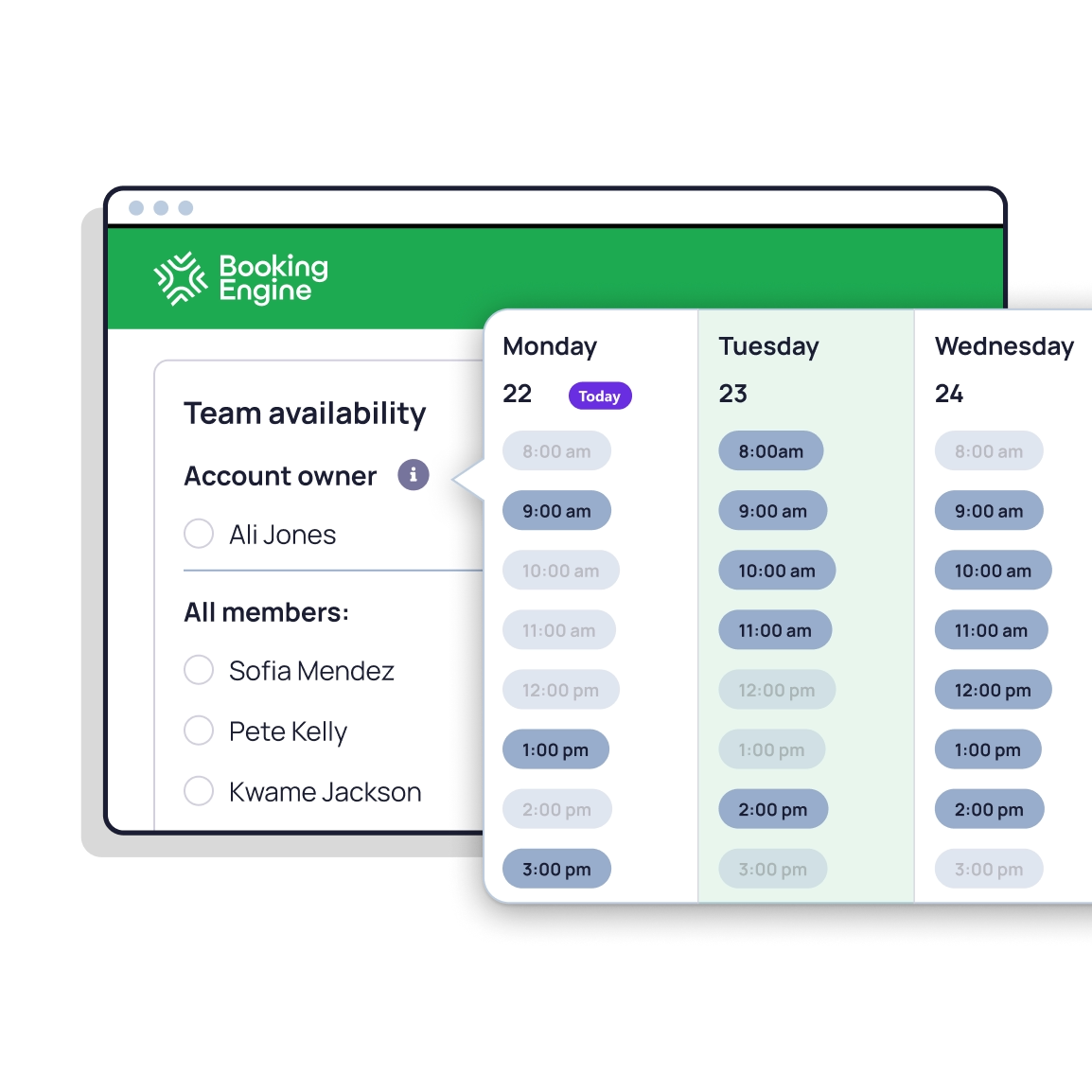
Native sync with Google Calendar & Microsoft Outlook. Real-time availability, no double bookings, no manual updates.
Video conferencing built in.
Meeting links generated automatically for Google Meet, Microsoft Teams, and Zoom. Nothing for your reps to configure.

Sales handoff & speed-to-lead.
Triage cases & book follow-ups.
Book more meetings. The first one's with us.
How is Booking Engine different from Salesforce Scheduler?
Salesforce Scheduler is Salesforce's own scheduling tool, built around service territories, resources, skills, and work types. It's deeply configurable but takes significant admin time to set up before anyone can book a meeting, and external calendar sync needs Einstein Activity Capture as a separate add-on. Booking Engine is a purpose-built Salesforce scheduling app that works out of the box: native calendar sync with Google Calendar and Microsoft Outlook, round robin routing, personal booking links, and SDR-to-AE handoff. No code, no Enterprise edition required, $10 per user per month.
Can Booking Engine replace Calendly or Chili Piper?
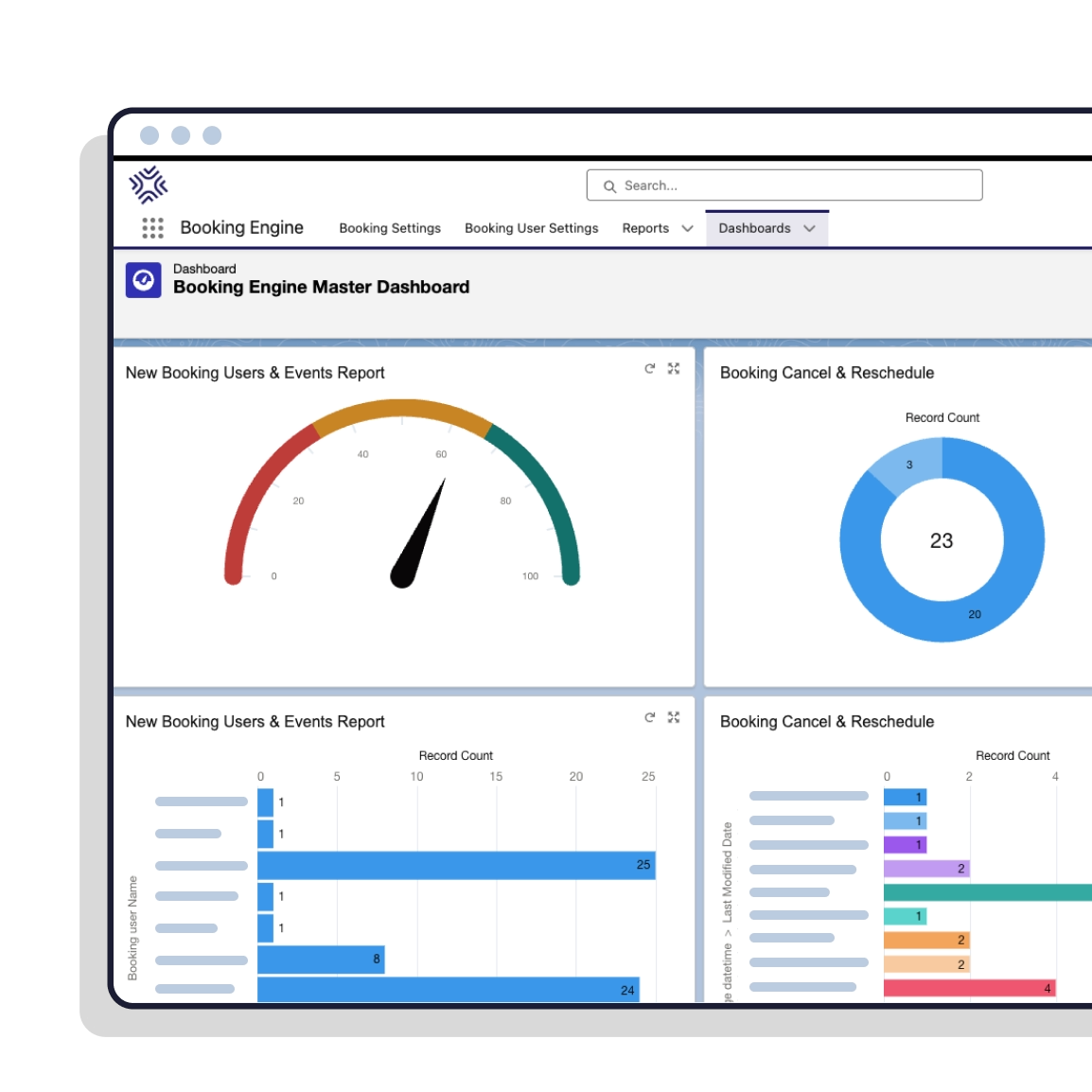
Yes. If your team is using Calendly or Chili Piper alongside Salesforce, Booking Engine can replace them entirely. Both integrate with Salesforce through managed packages or external workspaces, which means another platform for your admins to maintain and data flowing in and out of your org. Booking Engine is 100% Salesforce-native, so there's no integration to manage, no sync to monitor, and no data leaving Salesforce. You get personal booking links, round robin meeting routing, live meeting handoff, and Salesforce-native reporting in one place.
Is there a free trial of Booking Engine?
Yes. A 30-day production trial available directly from the Salesforce AppExchange. Install and test in your own org with your own data. No demo required, no approval process, no credit card.
What happens to records when a meeting is rescheduled or cancelled?
The existing Salesforce event updates cleanly. Status changes, the original record is preserved, and cancellation reasons are captured. No duplicate events. No orphan data. Your reporting stays intact.
Can a rep book a meeting on a colleague's calendar?
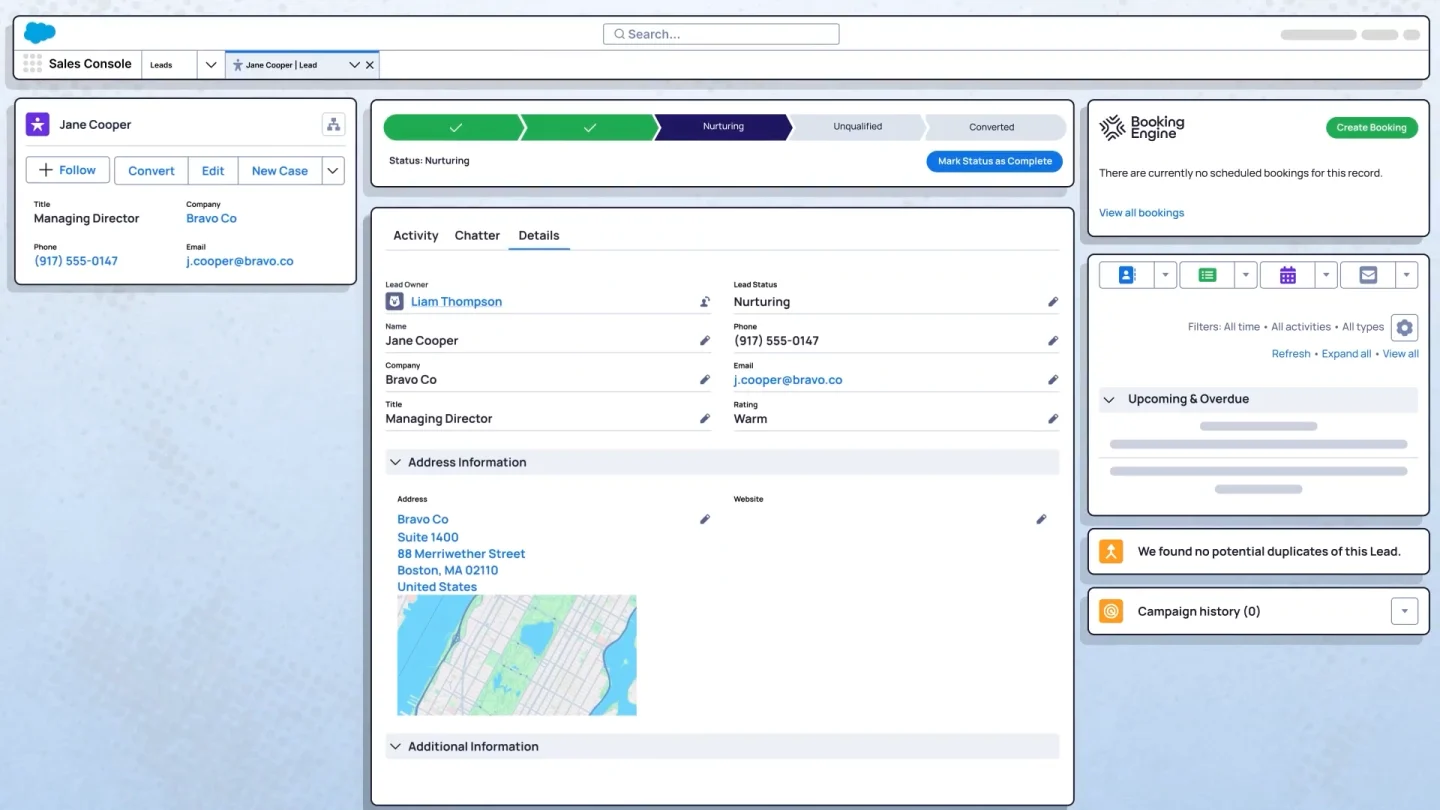
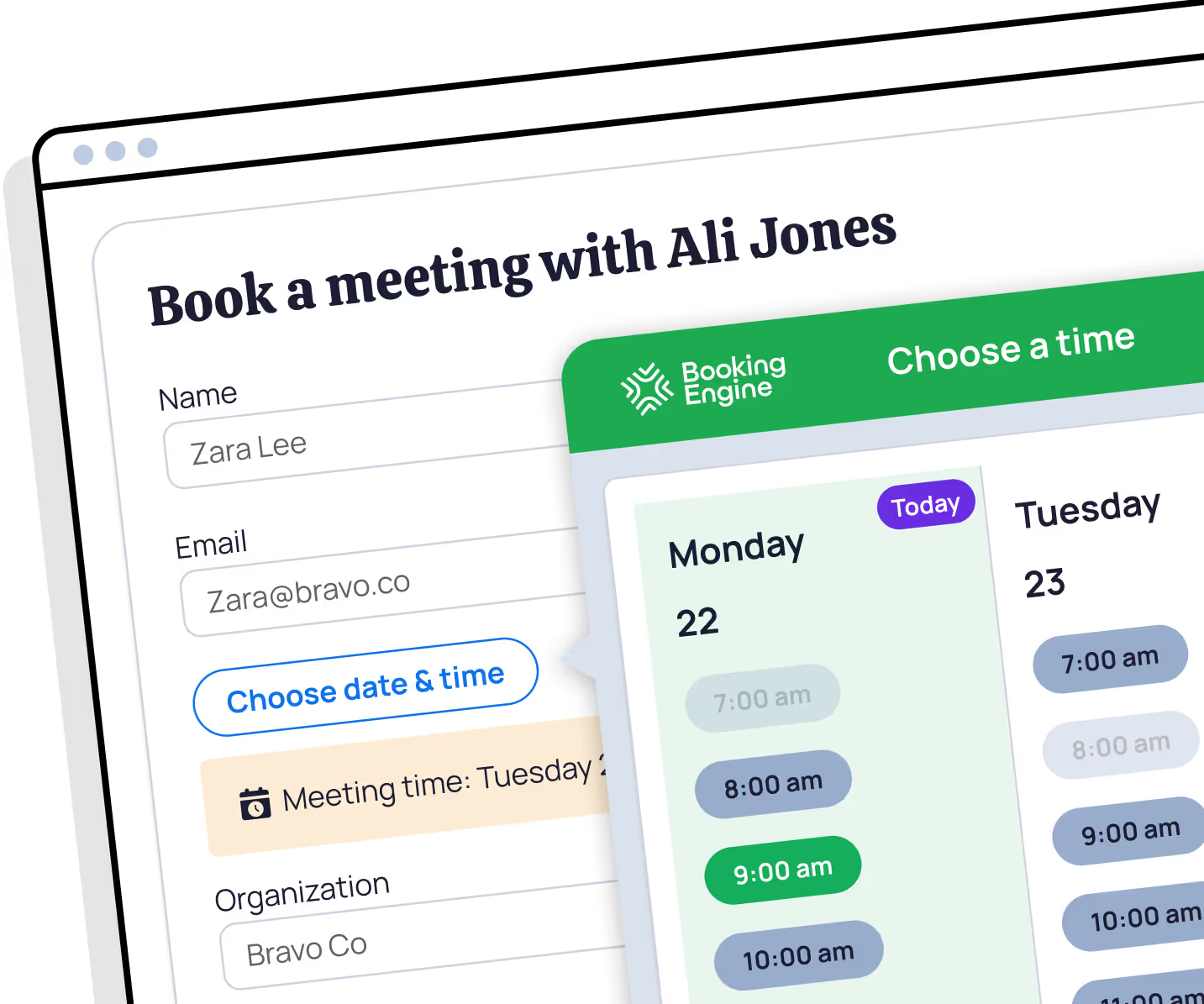
Yes. Open the Salesforce record, see the team's live availability pulled from Google Calendar or Microsoft Outlook, pick the right person, and book. The prospect never leaves the conversation to do it.
Does the rep who booked it join the meeting?
Your call. By default the rep books the meeting onto the host's calendar and steps out. Turn on Invite Organizer and the booker is added to the invite as an optional attendee.
Can we get two people into the same meeting?
Yes. Turn on multiple hosts, choose a primary host, and add the others. Booking Engine shows their combined availability, so the slot works for everyone, and the additional hosts are added to the invite as guests.
What if the prospect already has an owner in Salesforce?
Booking Engine can pick the host from a related record, and it can use your Distribution Engine matching rules to decide who that is. The person who owns the relationship gets the meeting rather than whoever happens to be free.
What does the prospect see when they book?
An invite with the name of the person they are meeting and what the meeting covers. No form to fill in, no link that leads to another link, and no gap where they wonder whether anything is happening.
Do we need Distribution Engine to use Booking Engine?
No. Booking Engine works on its own. They are better together, because the routing decides who owns the lead and the booking gets that person into the diary. Same Salesforce org, same rules, nothing syncing between the two.
Where does the meeting data live in Salesforce?
In your Salesforce org. Booking Engine is a managed package that runs inside it, so there is no external service holding a copy and nothing to keep in step. Reschedules and cancellations update the existing record rather than creating a second one.
Does the rep who booked it still get the credit?
Yes. Booking Engine records who made the booking separately from whose calendar the meeting sits on. Both appear on the All Bookings and My Bookings pages, so sourcing credit survives the handoff.
How do I get started with Booking Engine?
Install Booking Engine from the Salesforce AppExchange and start your free 30-day trial. No credit card, no demo required, no approval process. You'll be running the scheduling app in your own Salesforce org within an hour, and our support team is on hand if you need help. When the trial ends, you can subscribe at $10 per user per month, all features included.
What is an SDR-to-AE meeting handoff?
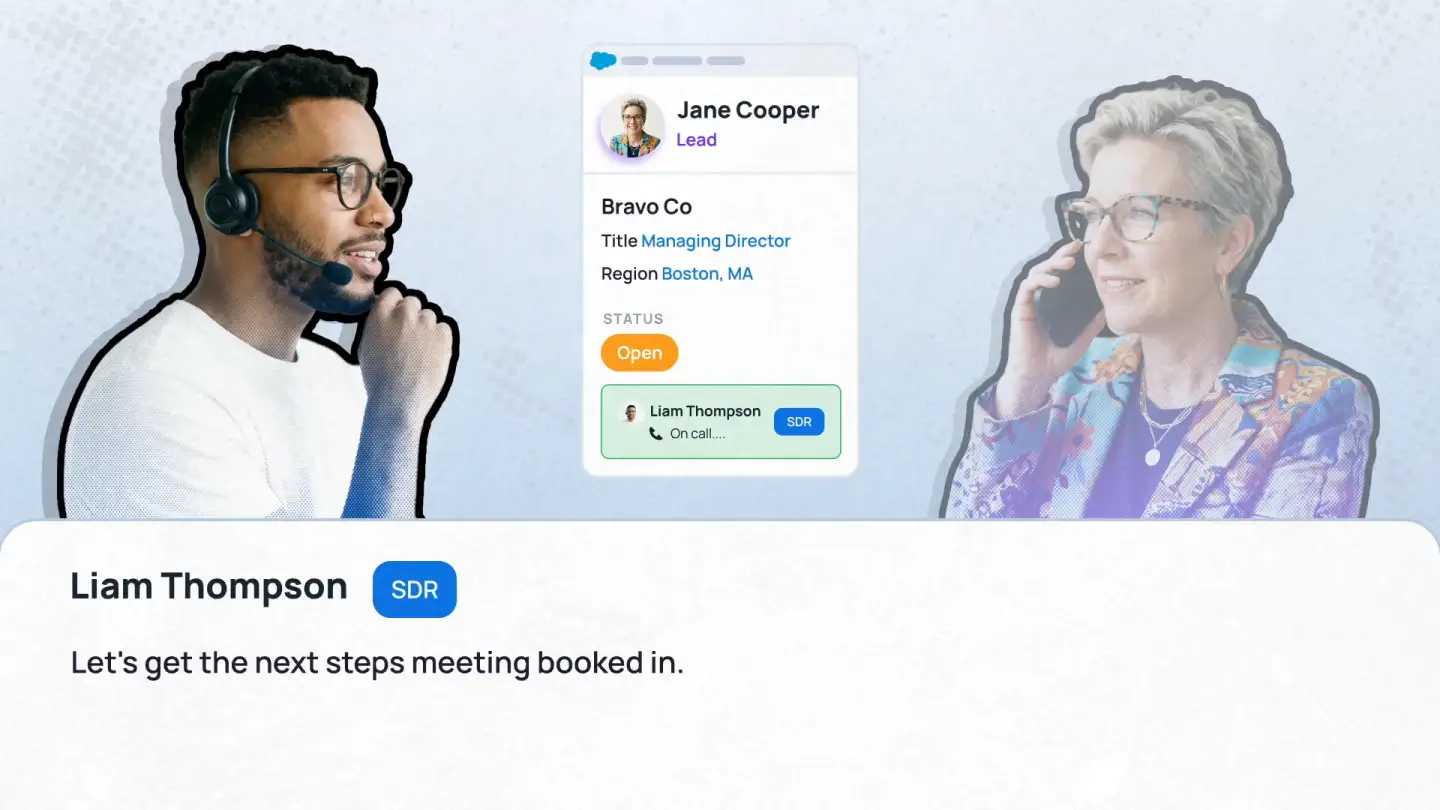
An SDR-to-AE meeting handoff is the point where a sales development rep (SDR) passes a qualified prospect to an account executive (AE) by booking them into a meeting. Done well, the prospect leaves the SDR's call with a confirmed time, the right AE is chosen automatically, and the AE has the context they need before the meeting starts.
It usually breaks in one of three places. SDRs can't see AE availability, so the booking turns into emails back and forth. The meeting goes to the wrong AE because ownership or territory wasn't checked. Or the SDR loses credit once the meeting sits on someone else's calendar. Booking Engine handles the handoff inside Salesforce: the SDR sees live AE availability on the record, books the right owner in one step, and the booking keeps a record of who set it.
Can Salesforce schedule a meeting for another rep natively?
Only in a limited way. A Salesforce user can create an event and assign it to a colleague, and can see a colleague's calendar if it has been shared with them. What core Salesforce doesn't do is find a time that matches that colleague's real Google Calendar or Outlook availability, offer it to the prospect while they're still on the call, choose the right rep from account ownership or territory, or record who booked the meeting separately from who hosts it.
That's the gap Booking Engine fills. A rep opens the Salesforce record, sees the team's live availability, picks the right person and books the meeting onto their calendar. The prospect gets an invite with the name of the person they're meeting, and the rep who booked it keeps the credit.


%20dark.avif)