The routing Salesforce can't do.
The complex routing mature GTM teams need, in one tool made for operators.
Build it, ship it, change it - same day, no developer.

Loved by 20,000+ users worldwide since 2011.






Territory routing.
Route by geography, segment, or any field combination on the account record. Salesforce territory management that drives your routing.

Skills-based routing.
Match records to reps based on language, expertise, seniority, or any custom field.
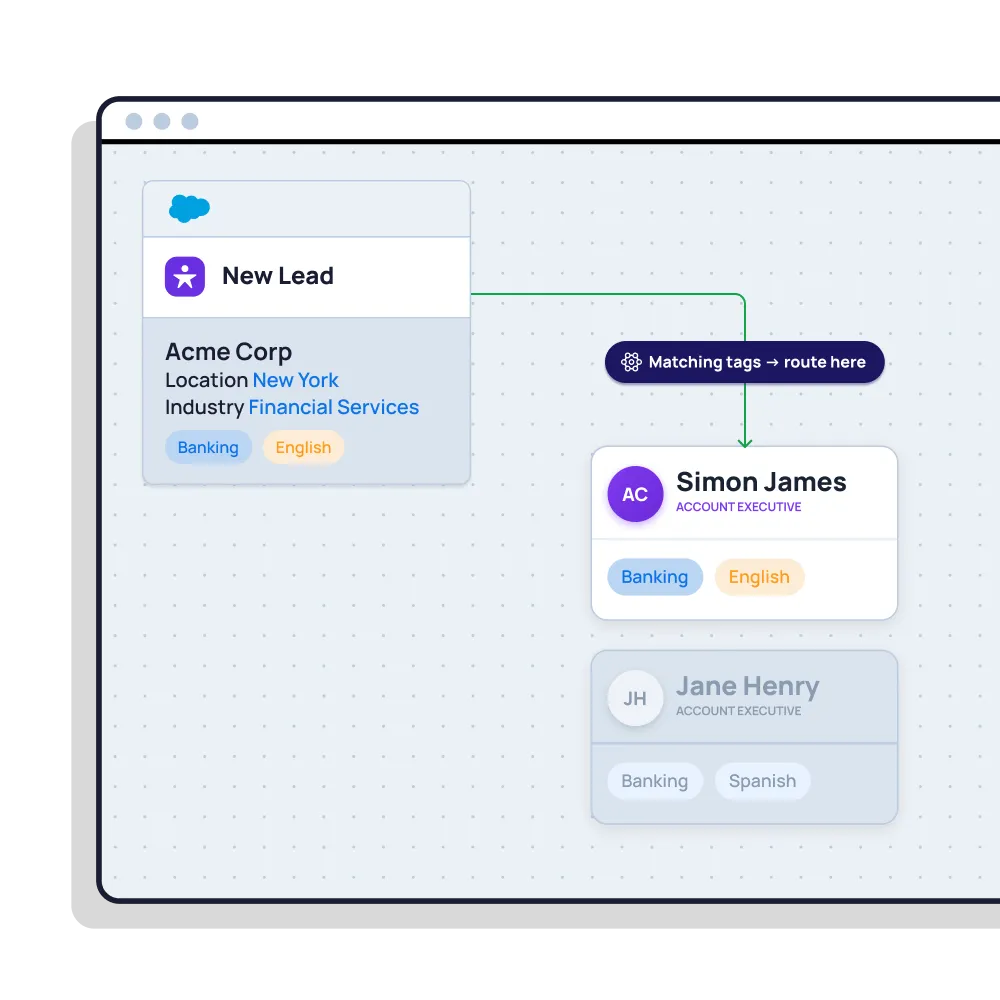
Workload routing.
Balance by how much each rep is already carrying, with capacity limits and daily or weekly caps so no one gets buried.

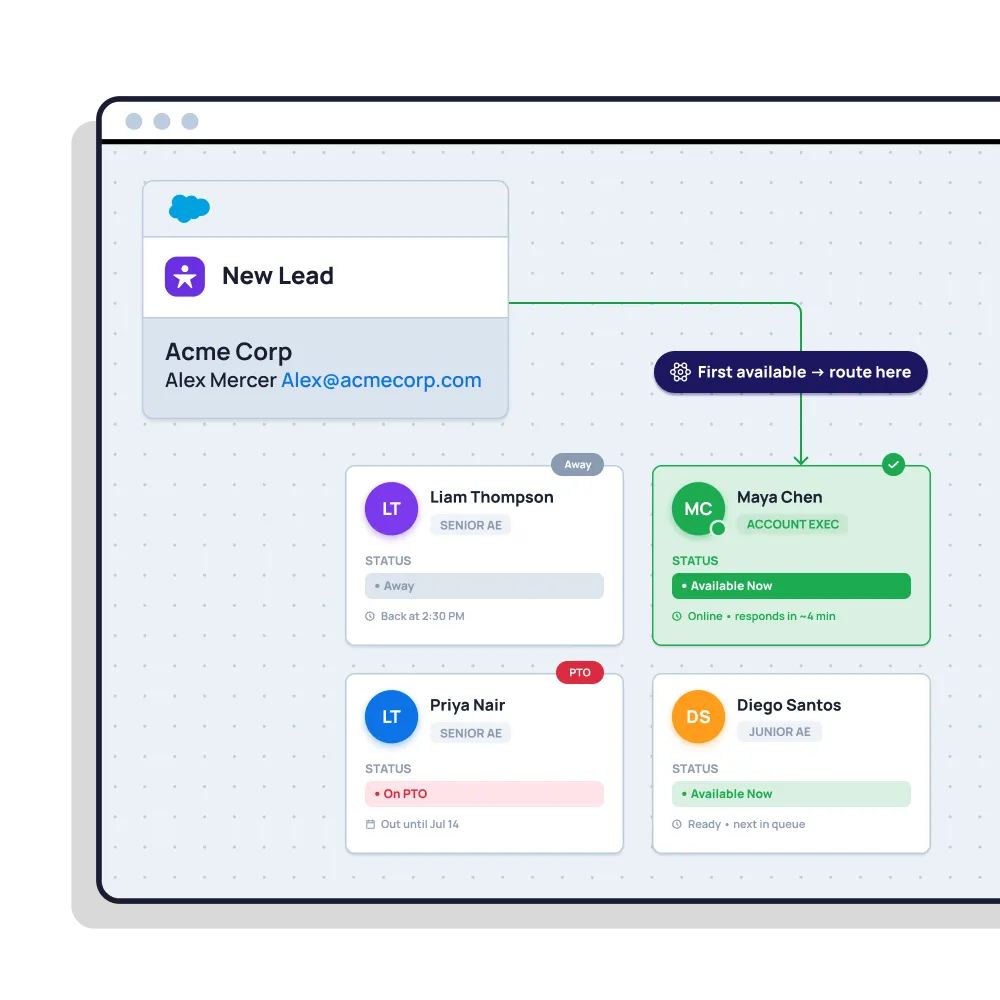
Availability-aware routing.
Never route to a rep who's on PTO, out of office, or on a shift break.
Account-owner routing.
When a record comes in from an existing account, it routes to the rep who already owns it.

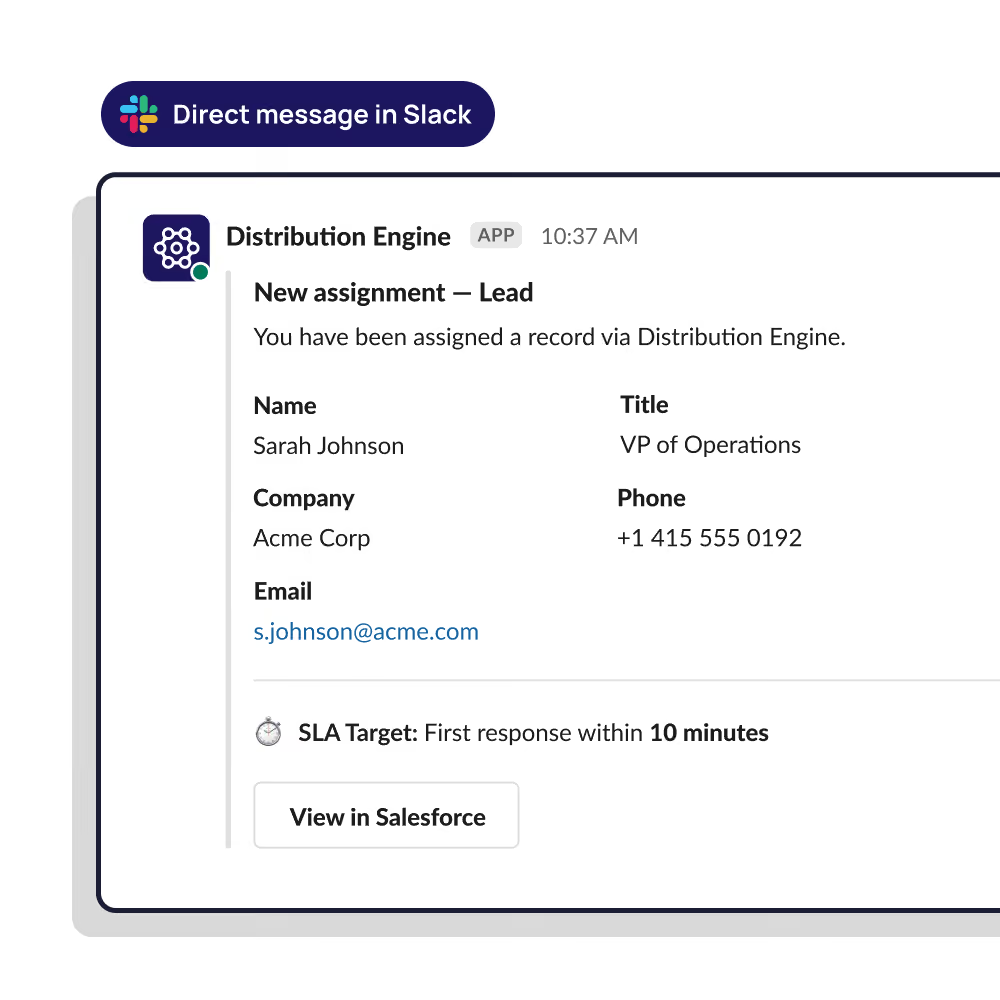
SLA reassignment.
Set response time thresholds per record type. If a lead sits too long without action, it reassigns automatically.

Round-robin.
No cherry picking, no free-for-all. Distribute work evenly across the team, then layer the smarter routing on top.

“By replacing the manual spreadsheet slog with a proactive engine, we've maximised our speed-to-lead and killed off the ‘admin debt’ and ownership disputes that slow teams down.”

30x

+40%

250%

+40%
99%

8+ hrs

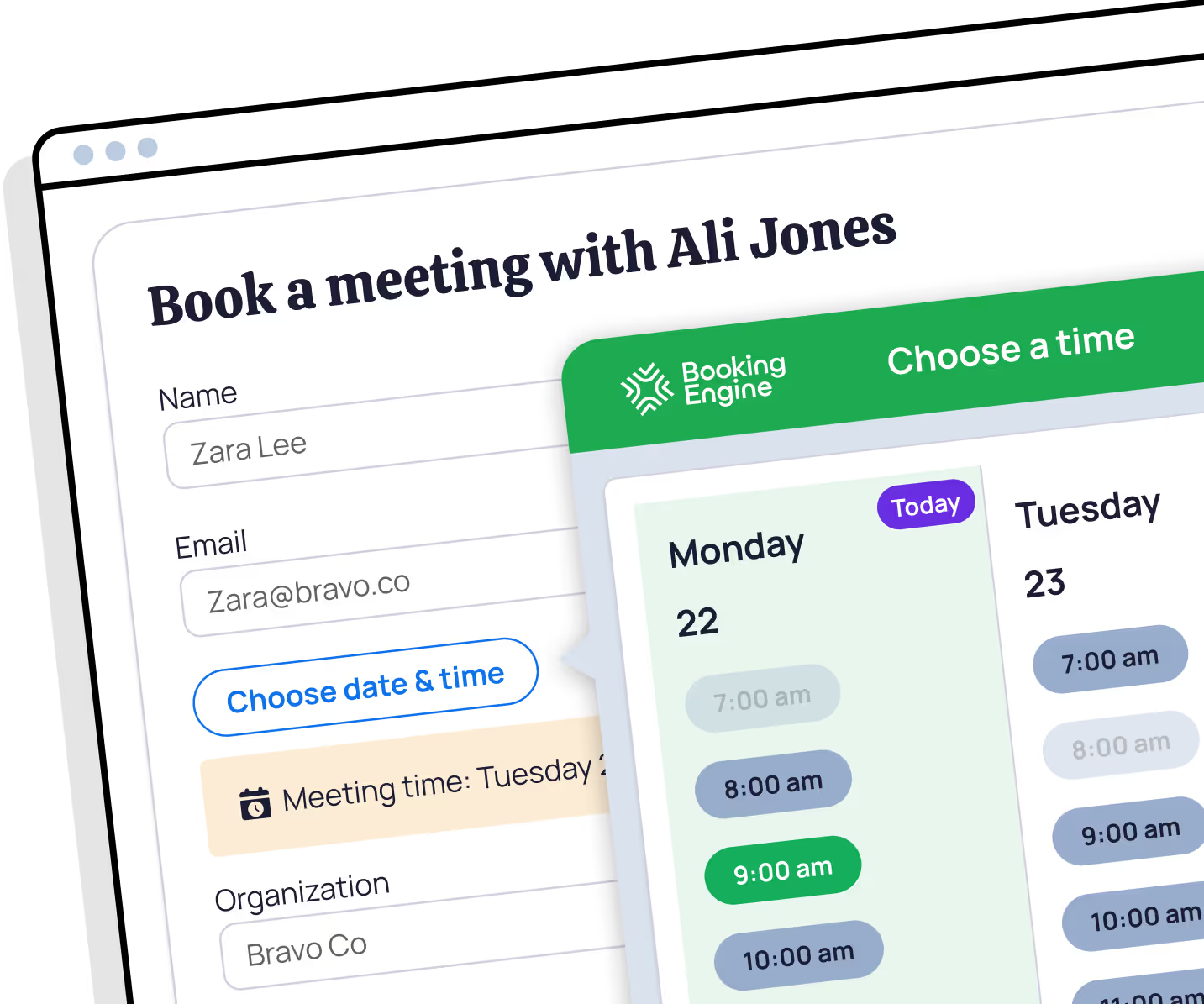
Book the meeting before the lead cools.
Every routing KPI.
In the dashboards you already use.
Speed-to-lead, assignment accuracy, SLA response times, and records per rep - all tracked natively in Salesforce with the rest of your funnel.

Know exactly where every record went, & why.
Full audit trail for every assignment, reassignment, and rule change. When a rep disputes a lead or a manager needs answers, it's there.


Our customers say it best. 80% of our 135+ AppExchange reviews praise the quality of our support.
“The implementation was super easy, the onboarding magnificent and their technical support is very prompt and always on point. Fantastic tool really a must have.”

Proudly independent & employee-owned.

For the Routing, Salesforce can't do. Free for 30 days.

How is Distribution Engine different from Salesforce's own assignment rules?
Can Distribution Engine do Lead-to-Account matching?
How quickly can we go live with Distribution Engine?
How does this compare to LeanData or Traction Complete?
Can I change routing rules without breaking anything?
Is Distribution Engine Salesforce native?
What types of object can I route?
Is Distribution Engine a good fit if I'm replacing an existing routing tool?
What is lead routing in Salesforce?
What should I look for in a Salesforce lead routing tool?
%20dark.avif)
USA: Distribution Engine a DBA name of NC Squared, Inc. 2810 N Church St PMB 74040, Wilmington, DE.
UK: Distribution Engine a trading name of NC Squared Limited. 60 Windsor Avenue, London, SW19 2RR. VAT: GB 123 9771 03