Salesforce meeting scheduler - handoff in <30 seconds
Book the meeting before the lead cools.
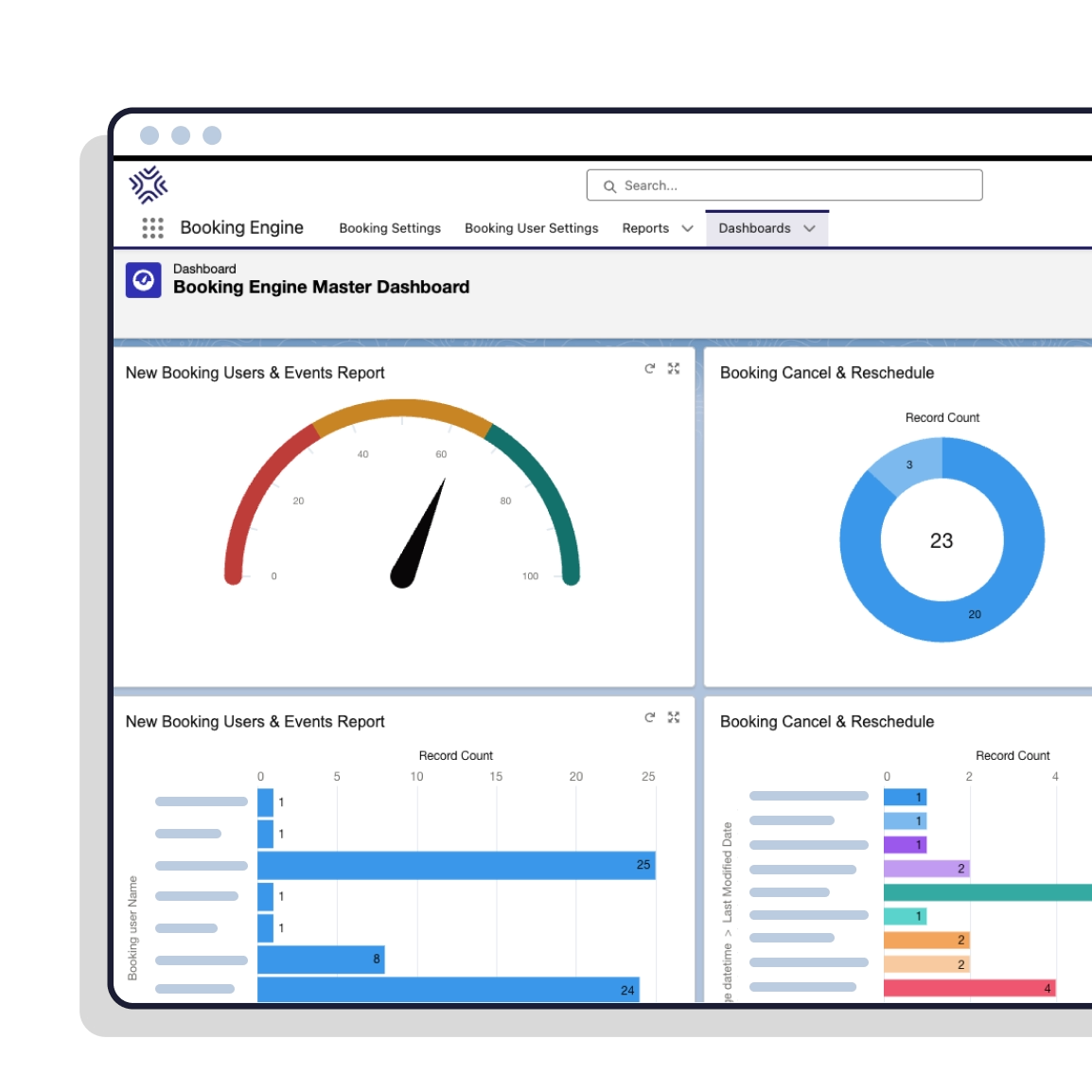
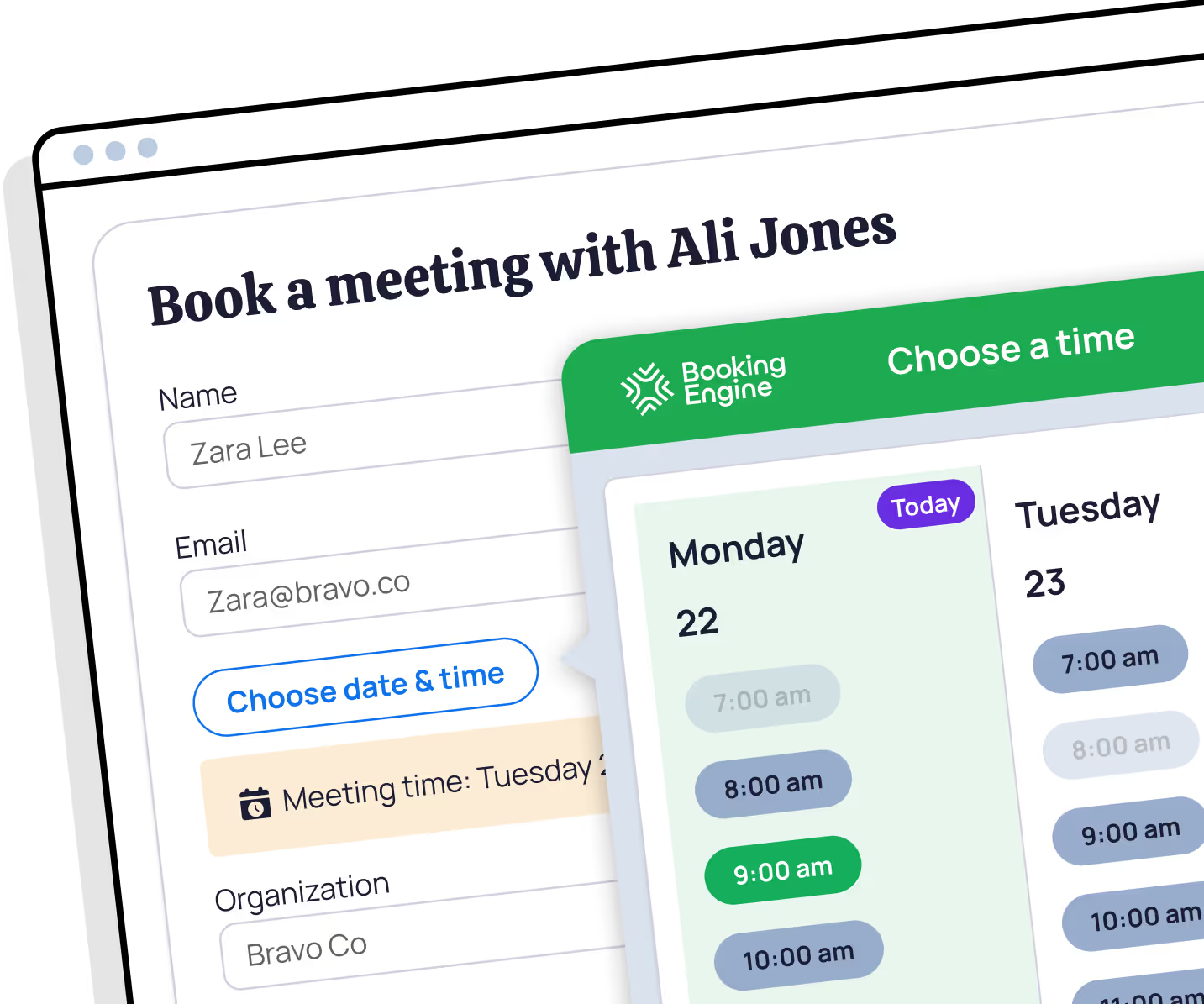
Stop the drop-off between qualification and meetings booked. Booking Engine is the Salesforce-native meeting scheduler that does meeting handoff on the spot.
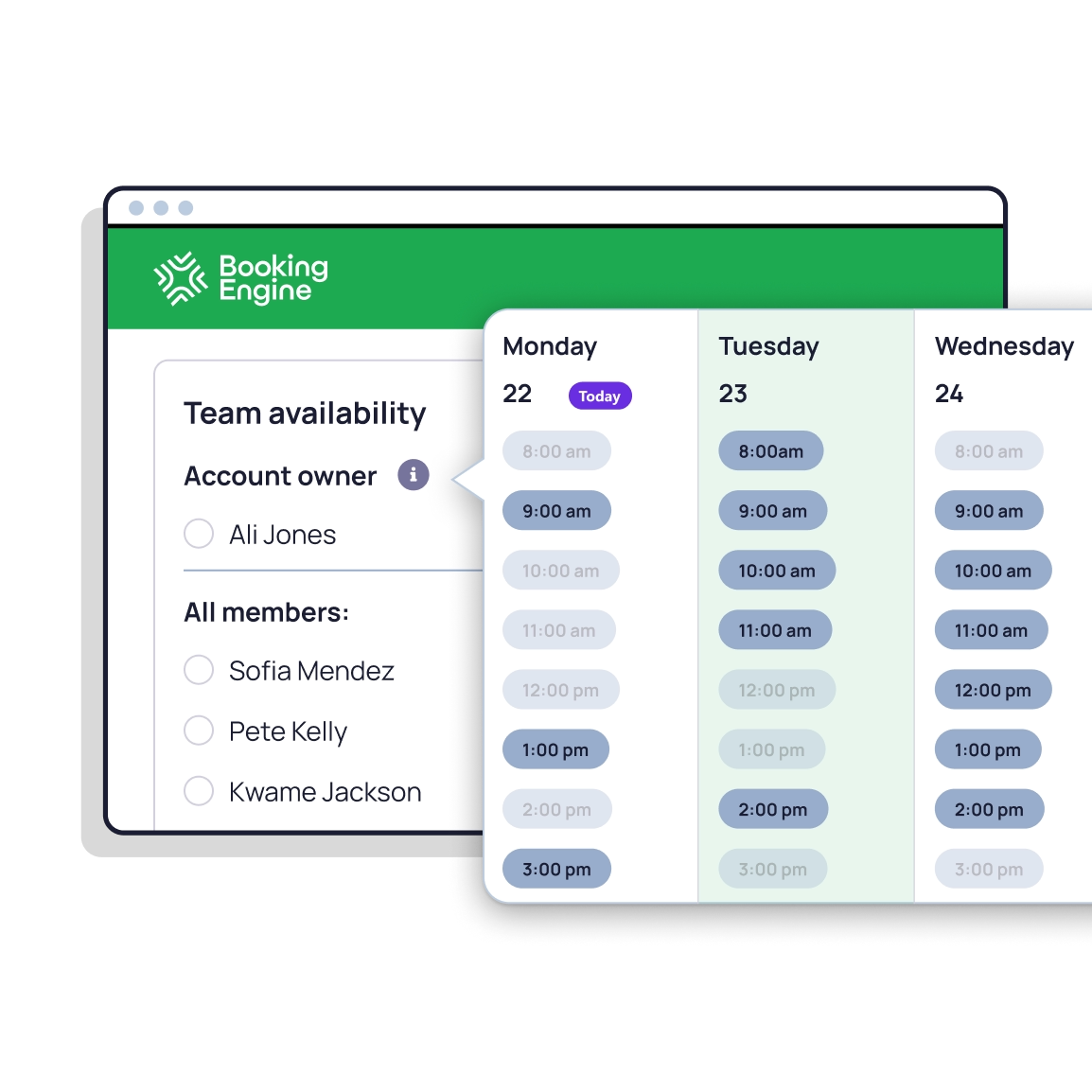
The handoff gap
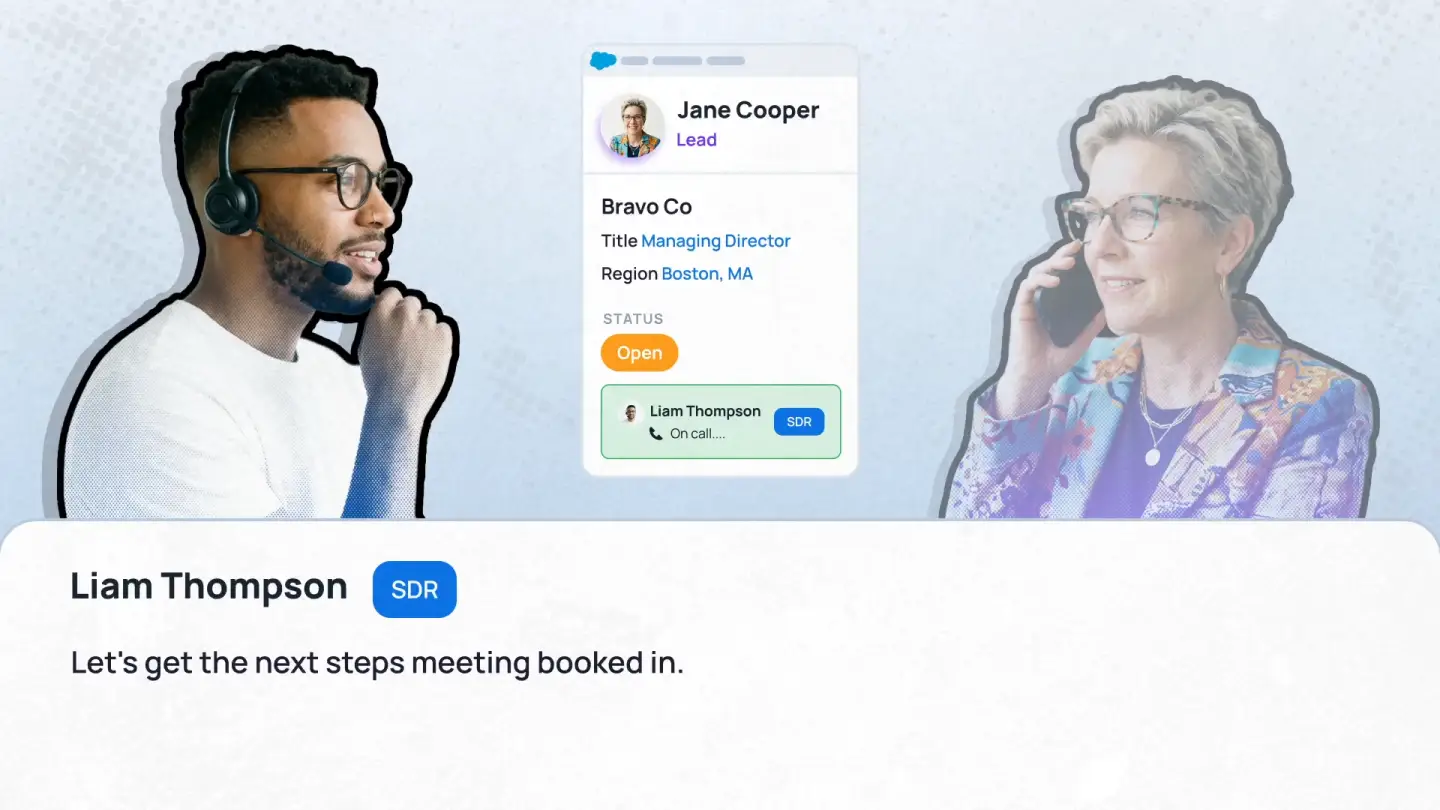

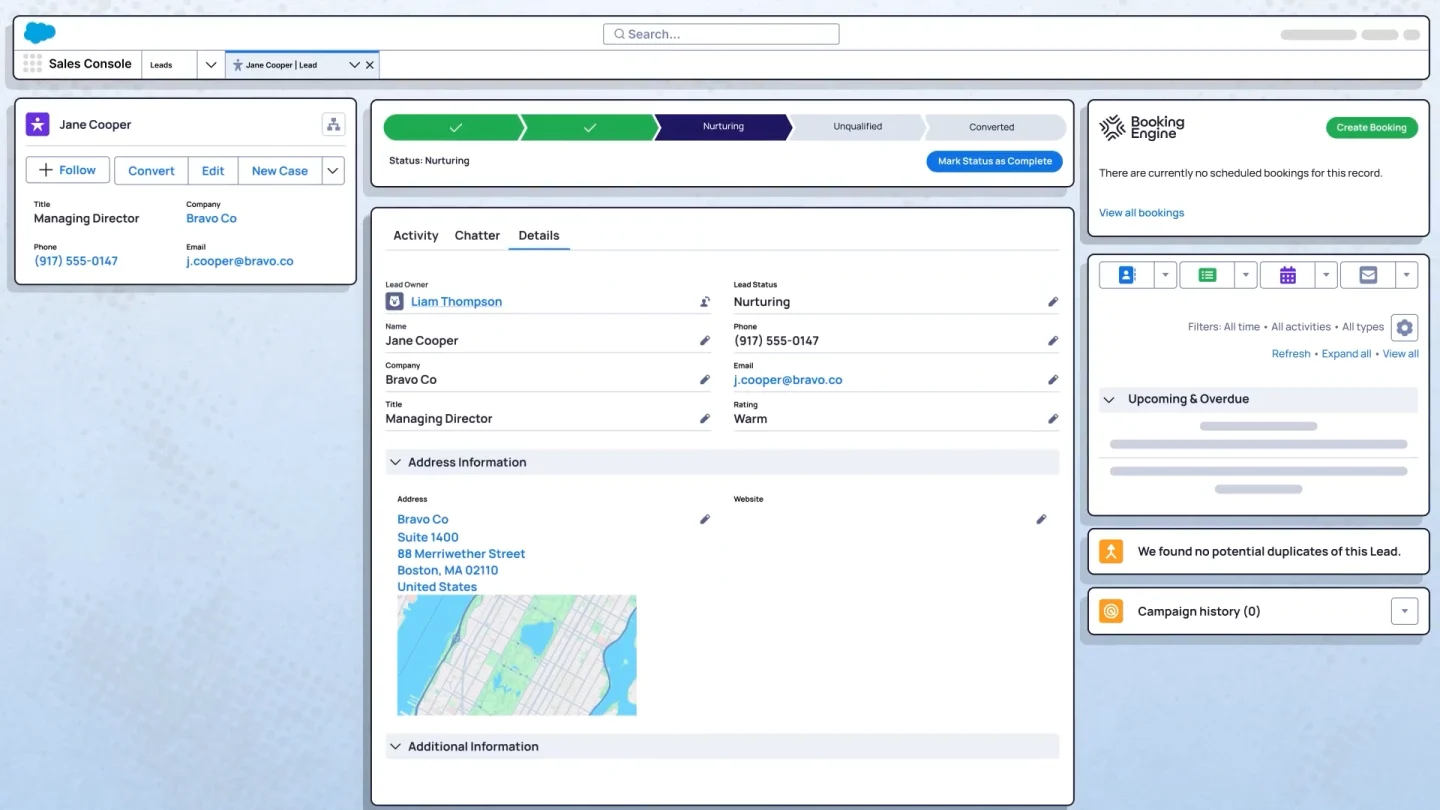
How Booking Engine works

+240%
Increase in meetings booked
"Booking Engine took the lag out of our outbound ABM workflow. Meetings get booked on the spot, and SDR meetings booked are up 240%."
Read story


Doug Hendricks
Operations Lead, G&A Partners
Read the Story
<30sec
To book a meeting on a rep's behalf
100%
Salesforce-native. No sync, no middleware.
~1 hr
From install to first booked meeting
Plugs into Distribution Engine
Matching rules decide the host.
Booking Engine books them.
Booking Engine books them.

Salesforce calendar sync & integrations
Two-way Salesforce calendar sync.
Native sync with Google Calendar & Microsoft Outlook. Real-time availability, no double bookings, no manual updates.
Google Calendar
Microsoft Outlook
Video conferencing built in.
Meeting links generated automatically for Google Meet, Microsoft Teams, and Zoom. Nothing for your reps to configure.
Google Meet
Microsoft Teams

Zoom
We've got your back

From setup to fine-tuning, our Customer Success and Support teams will help you get the most out of Booking Engine from day one.
“The implementation was super easy, the onboarding magnificent and their technical support is very prompt and always on point. Fantastic tool really a must have.”
Read story
Doug Hendricks
Sales Operations Manager
Built for SaLES & SERVICE
For Sales Teams
Sales handoff & speed-to-lead.
✔ Route Qualified meetings to the right AE in seconds. Handoff live during qualification calls, no follow-up scheduling link needed.
✔ Outbound reps share personal booking links and let prospects self-serve.
✔ Every meeting logged against the right Salesforce record automatically.
For Service Teams
Triage cases & book follow-ups.
✔ Triage cases to the right Support Agent on the spot. Route based on next available or skills and territory.
✔ Customer Success reps share personal booking links and let clients schedule directly with them.
✔ No back-and-forth, no manual data entry.
Book more meetings. The first one's with us.
Your questions answered
How is Booking Engine different from Salesforce Scheduler?
Can Booking Engine replace Calendly or Chili Piper?
Is there a free trial of Booking Engine?
What happens to records when a meeting is rescheduled or cancelled?
Can a rep book a meeting on a colleague's calendar?
Does the rep who booked it join the meeting?
Can we get two people into the same meeting?
What if the prospect already has an owner in Salesforce?
What does the prospect see when they book?
Do we need Distribution Engine to use Booking Engine?
Where does the meeting data live in Salesforce?
Does the rep who booked it still get the credit?
How do I get started with Booking Engine?
%20dark.avif)
USA: Distribution Engine a DBA name of NC Squared, Inc. 2810 N Church St PMB 74040, Wilmington, DE.
UK: Distribution Engine a trading name of NC Squared Limited. 60 Windsor Avenue, London, SW19 2RR. VAT: GB 123 9771 03